
Start Stop List
At any time in this process you can press the escape key (key 9) and be returned to the default screen.
The start stop list is a list of workstations that will be started or stopped when start all or stop all is selected in the user menu.
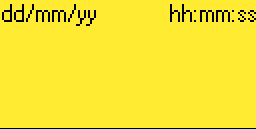
1. To add or remove any given workstation from the start stop list, in the default screen shown below, press the info key (key 7).
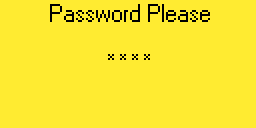
2. The following screen will be displayed. Enter you administrator password and press the enter key (key 8). If the password is incorrect you will remain in the password screen until the correct password is entered or until you press the escape key (key 9)
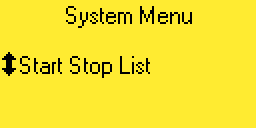
3. If the administrator password is correct, you will now be in the system menu. Use the up and down keys (keys 4 or 6) until the following screen is displayed.
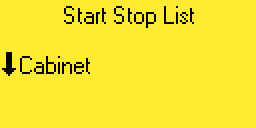
4. Press the right arrow key (key 5). You will now be in the start stop list menu. From here you can use the up and down keys (keys 4 or 6) to select the workstation. In the image below we are about to select the cabinet fan.
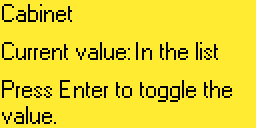
5. Press the right arrow key (key 5). The following screen will be displayed. From the image below we can see that the cabinet fan is in the start stop list. Press the enter key (key 8) to toggle the fan in or out of the list.
6. Press the left arrow key (key 3). This will return you to the start stop list menu.