
Set Start Time
At any time in this process you can press the escape key (key 9) and be returned to the default screen.
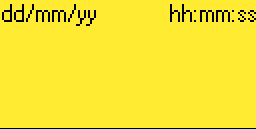
1. To set the default start time, in the default screen shown below, press the enter key (key 8). You will now be in the user menu.
3. Use the up and down keys (keys 4 or 6) until the set finish time item is displayed as below.
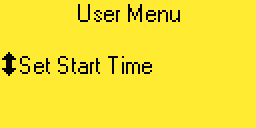
4. Press the right arrow key (key 5). The following screen will be displayed.
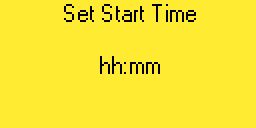
5. Enter the start time in 24 hour format. i.e. If you wish to set the start time to 8:00 am enter 0800. The last character will continue to flash until the enter key is pressed. Press the left arrow key (key 3) to be returned to the user menu.