
Set System Time
At any time in this process you can press the escape key (key 9) and be returned to the default screen.
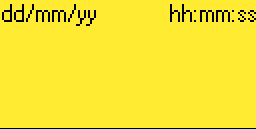
1. To start or stop a fan, or to view it's status, in the default screen shown below, press the enter key (key 8). You will now be in the user menu.
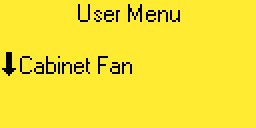
3. Use the up and down keys (keys 4 or 6) until the desired workstation is displayed. In this example we are using the cabinet fan.
4. Press the right arrow key (key 5). The following screen will be displayed.
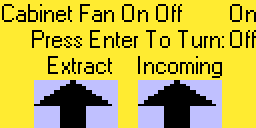
5. From the top right corner of this screen we can see that the cabinet fan is currently running. Pressing the enter key (key 8) will toggle the motor on or off. The two graphs at the bottom of the screen display the current volume of air being moved by the cabinet fan.