
View Temperatures
At any time in this process you can press the escape key (key 9) and be returned to the default screen.
1. In the default screen shown below, press the enter key (key 8). You will now be in the user menu.
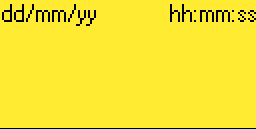
3. Use the up and down keys (keys 4 or 6) until the set finish time item is displayed as below.
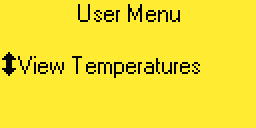
4. Press the right arrow key (key 5). The following screen will be displayed.
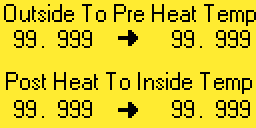
5. The top left temperature is being measured by a sensor located near the inlet ducts. The pre heat temperature sensor is just prior to the elemnet bank. The post heat sensor is just past the element bank, and the inside sensor is mounted just above the control cabinet. Press the left arrow key (key 3) to be returned to the user menu.